Introduction to Spreadsheets (Excel)
WEEK 4
Spreadsheet Fundamentals
Building essential skills for organizing data, managing budgets, and performing calculations using Excel and Google Sheets.
Spreadsheet Basics
Learning Objective
Students will understand the core structure of spreadsheets and the purpose of formulas for performing dynamic calculations.
WHY THIS MATTERS
Spreadsheets are essential tools for organizing data, managing personal finances, analyzing information, and making better decisions — skills that apply to school projects, future careers, and everyday life in our data-driven world.
Core Concepts (Live demonstration is essential)
What is a Spreadsheet?
A digital grid of rows and columns used to organize, calculate, analyze, and manipulate numerical and textual data.
Key Terminology
-
WB
Workbook: The complete file (e.g. MyBudget.xlsx or Google Sheet)
-
WS
Worksheet/Sheet: An individual tab within the workbook
-
A1
Cell: The intersection of a row and column (e.g. B5)
-
=
Formula: A calculation that always begins with an equals sign (=)
Basic Data Types
Text (Labels)
Descriptive information (e.g. "February", "Entertainment")
Numbers (Values)
Raw data used in calculations (e.g. 150, 24.99)
Formulas
Dynamic calculations (e.g. =B3*0.25)
Practical Activity
My Monthly Student Budget
Students will build a functional budget and observe how formulas update automatically.
Setup Instructions
- In cell A1, type "My Monthly Student Budget" and format it as a bold title.
- In cells A3:A8, enter the following labels:
Monthly Allowance
Streaming & Games
Snacks & Eating Out
Savings
Total Allocated
Remaining Balance - In cell B3, enter a realistic monthly allowance (example: 150).
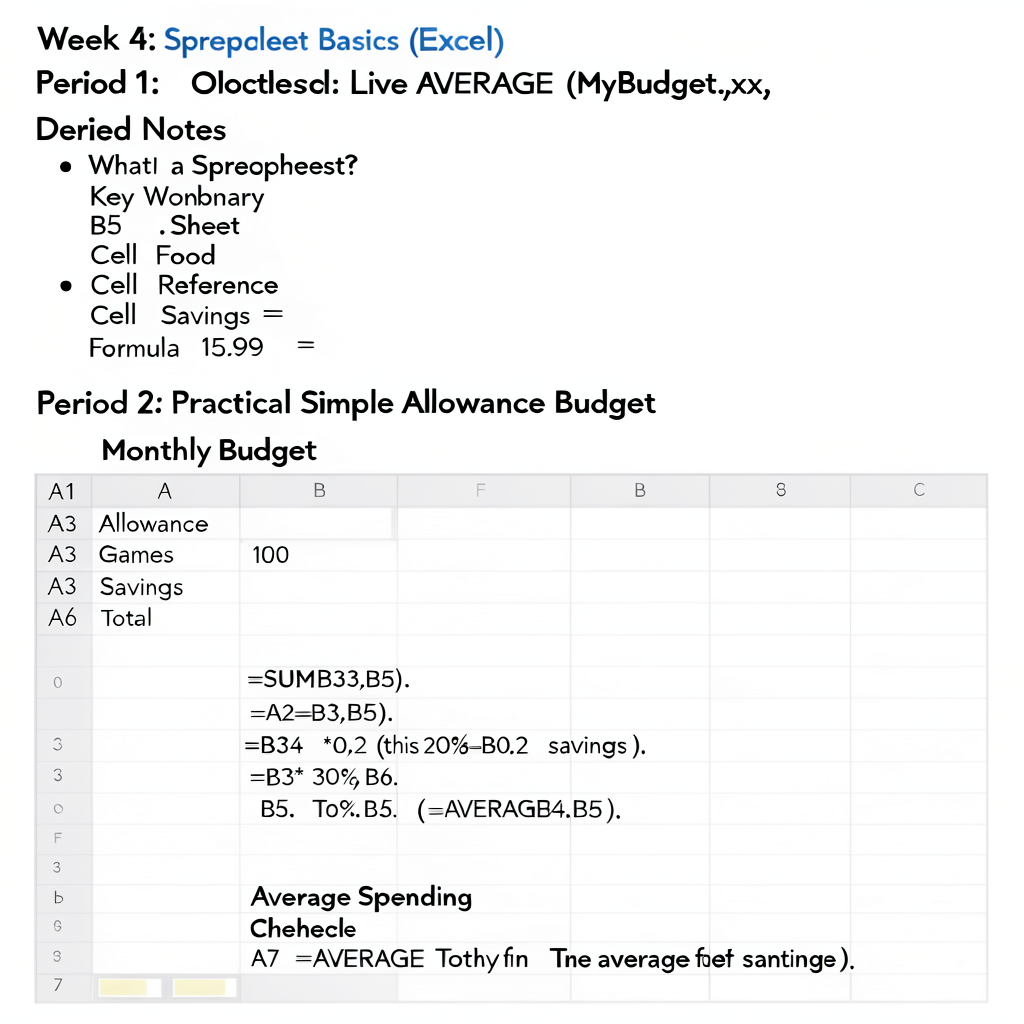
Resulting Spreadsheet Layout
| A | B |
|---|---|
| My Monthly Student Budget | |
| Monthly Allowance | 150 |
| Streaming & Games | 37.5 |
| Snacks & Eating Out | 30 |
| Savings | 45 |
| Total Allocated | 112.5 |
| Remaining Balance | 37.5 |
Key Formulas
Total Allocated (B7):
=SUM(B4:B6)
STREAMING & GAMES (B4)
=B3*0.25
SNACKS (B5)
=B3*0.20
SAVINGS (B6)
=B3*0.30
Remaining Balance (B8):
=B3-B7
Average Allocation (B11):
=AVERAGE(B4:B6)
Teaching Tips
- • Emphasize that every formula must begin with =
- • Explain the colon : in ranges (
B4:B6means “from B4 through B6”) - • Demonstrate how changing the value in B3 automatically updates all dependent cells
- • Show students how to format numbers as currency and improve visual design
- • These concepts work identically in both Microsoft Excel and Google Sheets
Test yourself on Digital Technology
Introduction to Sequencing, Loops, and Simple Animation in Scratch
Track your reading & take quizzes
Create free account