Memory Devices: RAM and ROM Types
21 views
Week 7 – Memory Devices: RAM and ROM (Updated & Illustrated)
1. RAM – Random Access Memory (Volatile)
AI Image Concept:
A glowing stick of DDR5 RAM inside a modern desktop, with data streams flowing into a CPU, symbolizing temporary high-speed memory.
A glowing stick of DDR5 RAM inside a modern desktop, with data streams flowing into a CPU, symbolizing temporary high-speed memory.
Purpose
RAM is the computer’s short-term working memory. It is:
- Extremely fast
- Temporary (lost when power is off → volatile)
- Used by the CPU to store active programs, open files, and system tasks
➡ Rule of thumb: More RAM = better multitasking. A system with 4 GB RAM struggles with modern workloads; 16–32 GB is common today.
RAM Types (Modern Standards)
DDR SDRAM (Double Data Rate Synchronous Dynamic RAM)
The universal modern RAM standard for PCs and laptops.
| Generation | Era | Illustration Idea |
|---|---|---|
| DDR3 | ~2007–2015 | Older motherboard, beige tones, “legacy” label |
| DDR4 | ~2015–2020 | Mid-era gaming PC, blue PCB RAM |
| DDR5 | 2020–present | Sleek black RAM with RGB, futuristic CPU |
Key Note:
DDR generations are physically incompatible.
Each has a different notch position.
You cannot insert DDR4 into a DDR5 slot.
AI Image Suggestion:
Side-by-side RAM sticks with highlighted notch differences.
Side-by-side RAM sticks with highlighted notch differences.
2. ROM – Read-Only Memory (Non-Volatile)
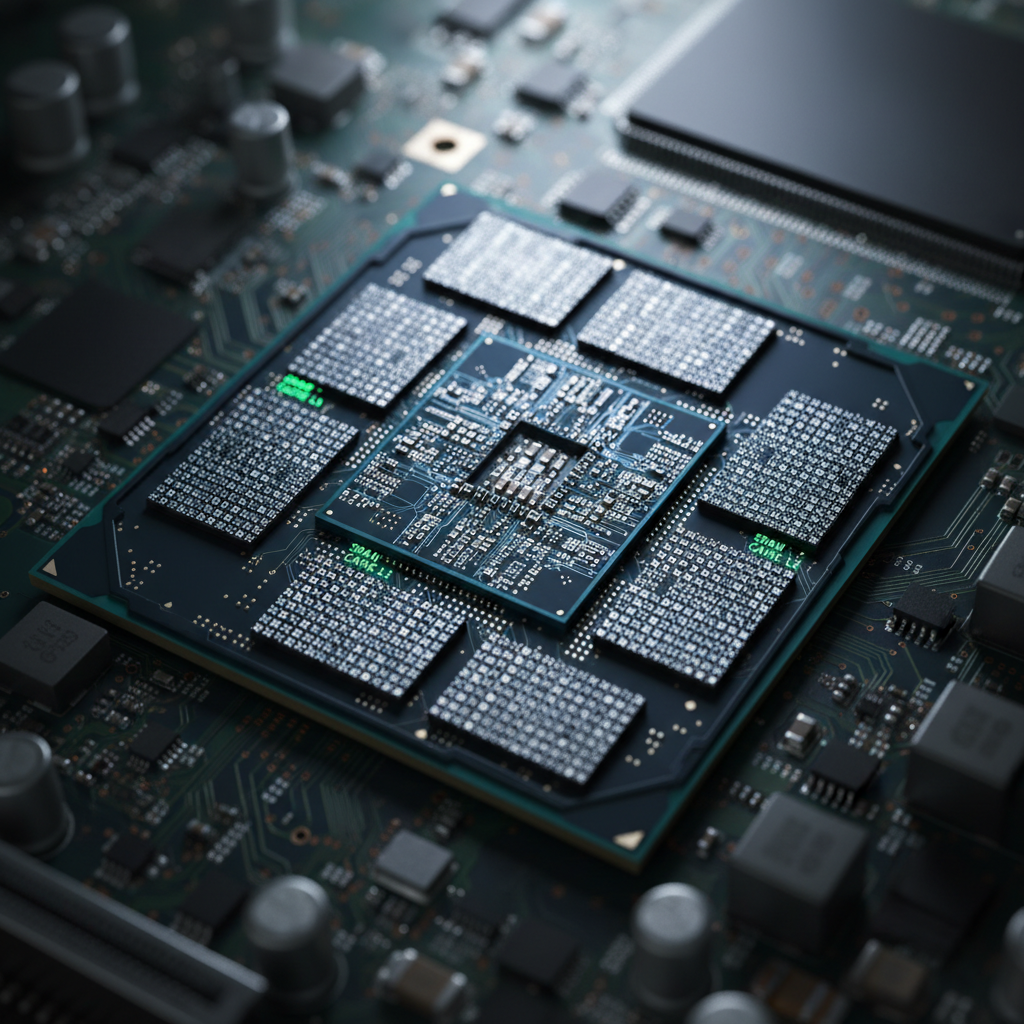
AI Image Concept:
A motherboard chip glowing steadily, with a “boot sequence” arrow pointing from chip → CPU → OS logo.
A motherboard chip glowing steadily, with a “boot sequence” arrow pointing from chip → CPU → OS logo.
Purpose
ROM retains data without power. It stores:
- Permanent startup instructions
- Critical firmware
- Hardware initialization code
ROM Types
BIOS / UEFI (Firmware ROM)
- Stored on a chip on the motherboard
- Runs POST (Power-On Self-Test)
- Detects RAM, storage, and GPU
- Hands control to the OS
BIOS (older) → text-based
UEFI (modern) → graphical, faster, secure boot
AI Image Suggestion:
Split screen “Old BIOS text” vs “Modern UEFI GUI”.
Split screen “Old BIOS text” vs “Modern UEFI GUI”.
Flash Memory (EEPROM-based)
- Modern rewritable ROM
- Used for BIOS/UEFI updates
- Found in SSDs, USB drives, phones
➡ This is why you can “flash” a BIOS update safely.
Quick Comparison Table
| Feature | RAM | ROM |
|---|---|---|
| Volatile? | ✅ Yes | ❌ No |
| Speed | Very fast | Slower |
| User-writable? | Yes | Limited |
| Used for | Running apps | Booting system |
| Examples | DDR4, DDR5 | BIOS, UEFI, Flash |
Summary Visual (AI Poster Idea)
- Left side: RAM = lightning, temporary, multitasking
- Right side: ROM = anchor, permanent, boot foundation
- Center: CPU connecting both
Test yourself on Computer Hardware And GSM Repaire
Basic Computer and Phone Troubleshooting Techniques Practice Test
50 questions
15 min
SSS1
Start quiz
Track your reading & take quizzes
Create free account